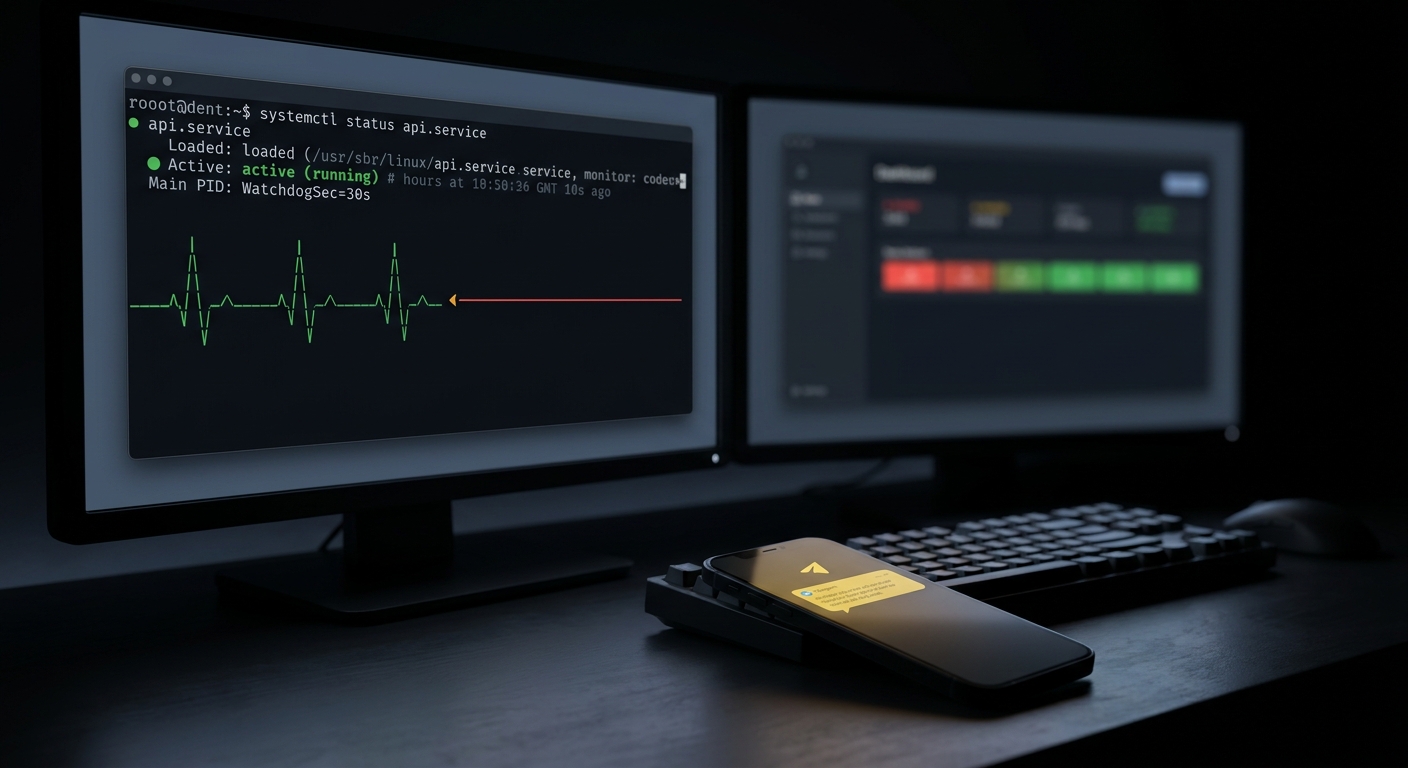
The systemd watchdog makes a service prove it is still alive by pinging systemd on a schedule. You set WatchdogSec= in the unit file, and the process calls sd_notify with WATCHDOG=1 before each deadline. Miss the deadline and systemd assumes the process has hung, kills it with SIGABRT, and restarts it according to your Restart= policy. It is a clean, dependency-free way to recover a frozen daemon, and it has one blind spot worth understanding before you rely on it.
That blind spot: the watchdog only runs while the machine and systemd are alive. This post covers the full setup, then the failure modes it cannot see.
What is the systemd watchdog?
It is a deadline. When WatchdogSec= is set, systemd starts a timer once your service finishes starting up. Your service has to send a keep-alive ping before that timer expires, over and over, for as long as it runs. As long as the pings keep arriving on time, systemd stays quiet. The moment one is late, systemd treats the service as hung.
This is different from Restart=on-failure, which only reacts when a process exits. A hung process never exits. It sits there holding its port, its file handles, and a socket that still accepts connections it will never answer. To Restart=on-failure that looks perfectly healthy. The watchdog catches exactly this case, because a wedged event loop stops sending pings even though the process is technically still running.
How do I enable the systemd watchdog for a service?
Two things have to line up: the unit declares a timeout, and the service can talk back over the notify socket. The keep-alive travels over sd_notify, and systemd only provides that socket to Type=notify units, so the type is not optional here.
[Unit]
Description=Ingest worker
StartLimitIntervalSec=300
StartLimitBurst=5

[Service]
Type=notify
ExecStart=/usr/local/bin/ingest-worker
WatchdogSec=30s
Restart=on-watchdog
RestartSec=2s

[Install]
WantedBy=multi-user.target
What each line does:
Type=notifygives the service theNOTIFY_SOCKET, which is how it sendsWATCHDOG=1. Without it the watchdog can never arm.WatchdogSec=30ssets the deadline. systemd also exports this to the process asWATCHDOG_USEC(in microseconds), so the code can read the real interval instead of guessing.Restart=on-watchdogrestarts the service specifically when the watchdog fires.on-failure,on-abnormal, andalwaysalso cover the watchdog case if you already use one of those.RestartSec=2swaits two seconds before the restart so you are not hot-looping a service that is failing at boot.StartLimitBurst=5withStartLimitIntervalSec=300means: if the unit restarts more than five times in five minutes, systemd stops trying and leaves it in a failed state. This is the guardrail that keeps a genuinely broken service from restarting forever. It is also, as you will see below, one of the moments where you most need an alert.
Note that StartLimitIntervalSec, StartLimitBurst, and StartLimitAction live in the [Unit] section, not [Service]. Older tutorials put StartLimitInterval under [Service]; that spelling is a deprecated alias and the section is wrong on current systemd.
How does my service send the keep-alive ping?
Read WATCHDOG_USEC at startup, then send WATCHDOG=1 at roughly half that interval. Half, not the full value, so that one slow iteration does not blow the deadline. Here it is in a few languages.
Go, using the CoreOS bindings:
import "github.com/coreos/go-systemd/v22/daemon"

interval, err := daemon.SdWatchdogEnabled(false)
if err != nil || interval == 0 {
    // watchdog not enabled; run without it
}
go func() {
    tick := time.NewTicker(interval / 2)
    for range tick.C {
        // only ping if the real work loop is healthy
        daemon.SdNotify(false, daemon.SdNotifyWatchdog)
    }
}()
Python, with the systemd bindings:
import os
from systemd import daemon

usec = int(os.environ.get("WATCHDOG_USEC", "0"))
interval = usec / 1_000_000 / 2  # seconds, half the deadline

while True:
    do_one_unit_of_work()
    daemon.notify("WATCHDOG=1")
    time.sleep(interval)
Shell, with one caveat:
[Service]
Type=notify
NotifyAccess=all
ExecStart=/usr/local/bin/backup-loop.sh
WatchdogSec=60s
# inside backup-loop.sh, after each successful pass
systemd-notify WATCHDOG=1
The caveat: systemd-notify runs as a separate short-lived process, so its PID is not your service's main PID. By default NotifyAccess=main, which means systemd ignores pings from anything but the main process and silently drops those systemd-notify calls. Set NotifyAccess=all for shell services or the watchdog will fire even though your script is pinging.
One important nuance for all of these: WATCHDOG=1 only proves that the code path sending the ping is running. Put the ping after the real work in your loop, not on an independent timer, or you will keep reassuring systemd while the actual job is wedged. If your service detects its own unrecoverable error, send WATCHDOG=trigger to trip the watchdog immediately instead of waiting out the timeout.
What happens when the watchdog fires?
systemd terminates the service with SIGABRT by default (change it with WatchdogSignal= if you need a cleaner shutdown path), logs a watchdog timeout entry to the journal, and then applies your Restart= policy. With Restart=on-watchdog and RestartSec=2s, the service is back up about two seconds later, usually before anyone notices.
That is the happy path. The unhappy path is the restart loop. If the underlying problem is not transient, the service hangs, gets SIGABRT, restarts, hangs again. StartLimitBurst is what stops that: after the burst limit inside the interval, systemd gives up and parks the unit in failed. At that point the watchdog is done. It will not try again, and by default it will not tell anyone. You can set StartLimitAction=reboot to bounce the whole machine as a last resort, but a reboot is not a notification, and if the service is broken it will just fail again after the box comes back.
What about the hardware watchdog?
The per-service watchdog assumes systemd is healthy enough to run the timer and send the signal. If systemd itself deadlocks, nothing catches it. That is what RuntimeWatchdogSec= is for. Set it in /etc/systemd/system.conf:
[Manager]
RuntimeWatchdogSec=20s
RebootWatchdogSec=10min
With this, systemd pets the kernel's hardware watchdog (/dev/watchdog) at half the interval. If systemd stops petting it, because it hung or the kernel is wedged, the hardware resets the board with no software involvement at all. RebootWatchdogSec (formerly ShutdownWatchdogSec) arms the same watchdog during shutdown so a hang on the way down still recovers. Note that /dev/watchdog has a single user: systemd or an external watchdog daemon, not both.
This covers a machine that is locked up. It does not cover a machine that is gone.
What the systemd watchdog can't catch
Every mechanism above lives on the same host as the thing it watches. That is the limitation. Walk the failure modes:
- Power loss or a hard crash. The PSU dies, someone trips over the cable, the hypervisor evacuates the node. systemd is gone, the hardware watchdog is gone, and there is nothing left to restart anything or raise an alarm.
- Kernel panic with no hardware watchdog wired up. If
RuntimeWatchdogSecis unset (it defaults to0, off) a panicked kernel just sits there. No reset, no signal, no notification. - The service exhausts its restart limit.
StartLimitBurstdoes its job and parks the unit infailed. The watchdog stops trying by design. Without an external observer, the outage is now permanent and silent. - Network partition. The process is alive and dutifully sending
WATCHDOG=1, so systemd is happy, but the box cannot reach the database, the queue, or your users. Locally everything looks green. From the outside the service is down. - It was never running. A bad deploy that disabled the unit, a host that rebooted and did not bring the service back, a typo in
WantedBy. There is no process to hang, so there is no watchdog to fire.
The common thread: a local watchdog can restart a service, but it cannot notice the whole machine going dark, and it cannot page you. For that you need something off the box that treats silence as the failure signal. That is a dead man's switch, and it is the exact complement to the systemd watchdog.
Pairing the watchdog with an external heartbeat
Add one line to the healthy path of your service: after each successful cycle, ping a URL that an external monitor is watching.
# after the work loop confirms a good pass
curl -fsS -m 10 --retry 3 https://ingest.canaryhub.ai/ping/YOUR_TOKEN
Now the two layers divide the work cleanly. The systemd watchdog handles fast, local recovery: a wedged loop gets killed and restarted in seconds, no human involved. The external heartbeat handles everything the watchdog is blind to: it expects that ping on a schedule, and if the box loses power, the kernel panics, the unit lands in failed, or the network drops, the ping simply stops arriving. After the interval plus a grace period, the monitor alerts you on Telegram, Slack, Discord, or email. Silence becomes the signal.
If you would rather not touch the service code, run the ping from a small systemd timer instead, so a healthy host reports in on a fixed cadence:
# heartbeat.service
[Service]
Type=oneshot
ExecStart=/usr/bin/curl -fsS -m 10 --retry 3 https://ingest.canaryhub.ai/ping/YOUR_TOKEN
# heartbeat.timer
[Timer]
OnUnitActiveSec=1min
OnBootSec=1min

[Install]
WantedBy=timers.target
The watchdog keeps your service running. The heartbeat makes sure that when it stops running for a reason the watchdog cannot fix, your phone tells you before your users do.
If you are wiring this up for scheduled work rather than a long-lived daemon, the same absence-based pattern applies to cron. See how to monitor a cron job with a dead man's switch and running a cron job every five minutes with crontab for the scheduling side of the same idea.