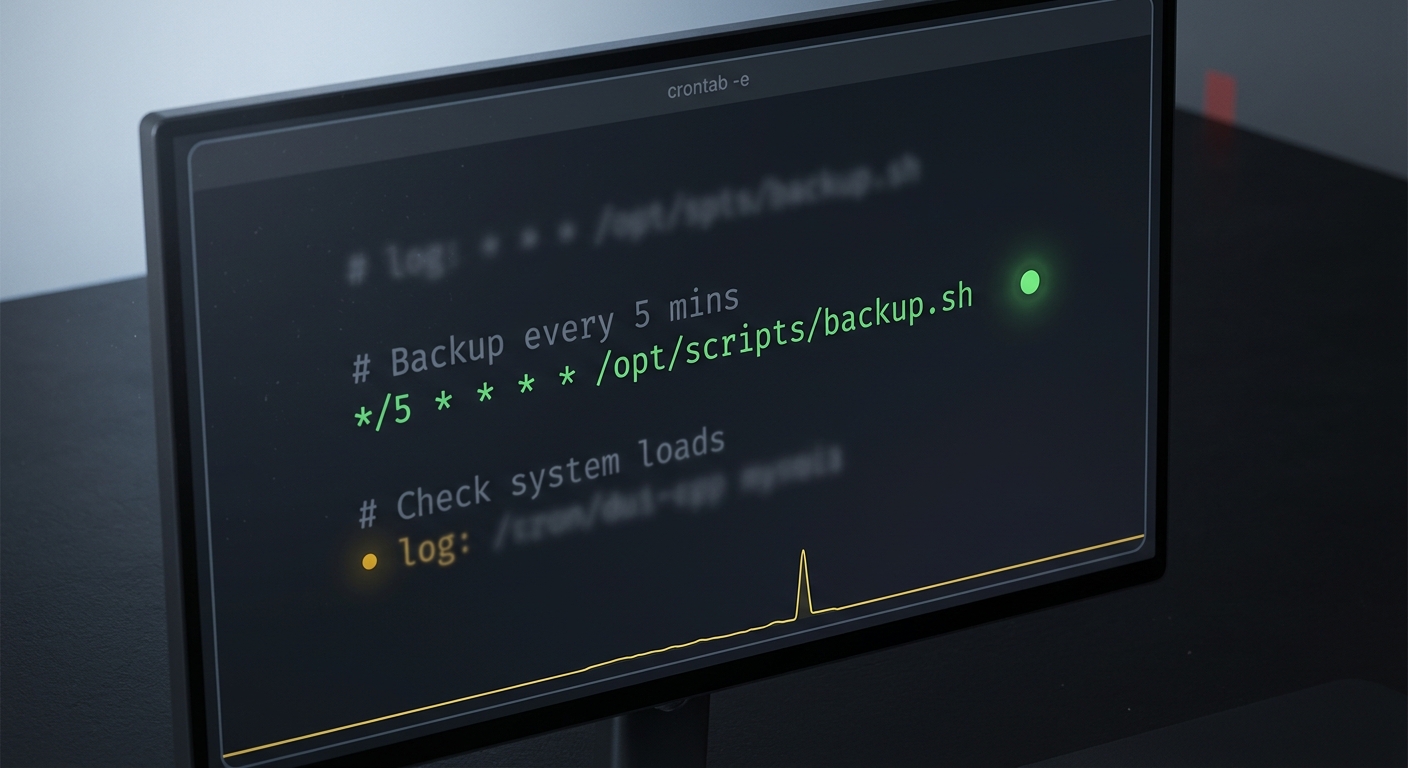
The crontab expression to run a job every 5 minutes is */5 * * * *. Drop it in front of your command and cron fires the job at :00, :05, :10, right through to :55, twelve times an hour. Here is the whole line:
*/5 * * * * /opt/scripts/backup.sh
That is the answer. The rest of this is the stuff that bites you after you save the crontab and walk away: the variants for other intervals, why the job runs by hand but not on schedule, what happens when a run takes longer than 5 minutes, and how to find out it stopped running before your users do.
What does */5 * * * * actually mean?
A crontab line is five time fields and then a command. Left to right:
* * * * *  command
│ │ │ │ │
│ │ │ │ └─ day of week  (0-7, Sunday is 0 or 7)
│ │ │ └─── month        (1-12)
│ │ └───── day of month (1-31)
│ └─────── hour         (0-23)
└───────── minute       (0-59)
Four operators cover almost everything you will write:
*means every value of that field.,is a list, so0,30means minute 0 and minute 30.-is a range, so9-17in the hour field means 9am through 5pm./is a step, so*/5in the minute field means every 5th minute.
*/5 * * * * reads as "every 5th minute, of every hour, of every day." The command runs at minute 0, 5, 10, and so on up to 55, then the next hour starts over at 0. Twelve runs an hour, 288 a day.
If you want to sanity-check any expression before trusting it, paste it into crontab.guru, the plain-English cron tester most engineers reach for. It shows the next run times so you are not guessing.
How do I run it every 10, 15, or 30 minutes?
Change the step. Same shape, different divisor:
*/10 * * * * /opt/scripts/job.sh   # every 10 minutes
*/15 * * * * /opt/scripts/job.sh   # every 15 minutes
*/30 * * * * /opt/scripts/job.sh   # every 30 minutes, i.e. :00 and :30
One catch worth knowing. Step values only stay evenly spaced when the step divides 60 cleanly. 5, 10, 15, 20, and 30 all do. Something like */7 does not: it fires at 0, 7, 14 ... 56, then resets to 0 at the top of the next hour, leaving a 4-minute gap instead of 7. If you need a true "every 7 minutes," cron cannot express it, and you want a different scheduler. For the common intervals, */5 and friends are exact.
Why does my cron job work manually but not every 5 minutes?
This is the single most common cron failure, and it is almost never the schedule. It is the environment.
When you run a command in your terminal, your shell hands it a rich PATH, your HOME, your language settings, and everything your .bashrc sourced. Cron does none of that. It runs your job with a minimal PATH of /usr/bin:/bin and an otherwise nearly empty environment. So a script that calls node, python3 from a version manager, aws, or anything living in /usr/local/bin works when you type it and silently fails at :05 because cron cannot find the binary.
Two fixes, use both:
- Absolute paths for everything.
/usr/local/bin/node, notnode./opt/scripts/backup.sh, not./backup.sh. Cron has no idea what your working directory is either. - Redirect output to a log so a failure leaves a trace instead of vanishing:
*/5 * * * * /opt/scripts/backup.sh >> /var/log/backup.log 2>&1
Without that redirect, cron mails the output to the local user, which on most servers goes nowhere you will ever look.
You can reproduce cron's stripped-down environment in your own shell to debug the job the way cron sees it:
env -i SHELL=/bin/sh PATH=/usr/bin:/bin HOME=$HOME /bin/sh -c '/opt/scripts/backup.sh'
If it breaks there, it will break under cron, and now you can fix it without waiting five minutes per attempt.
What if the job takes longer than 5 minutes to run?
Cron does not care whether the last run finished. When :05 comes around, it starts a new copy, even if the :00 run is still working. For a backup or a sync, two overlapping copies can corrupt state, double-charge an API, or thrash the database.
The standard fix is flock, a tiny locking utility that ships with util-linux on essentially every Linux box:
*/5 * * * * /usr/bin/flock -n /var/lock/backup.lock /opt/scripts/backup.sh
flock -n grabs the lock without blocking. If the previous run still holds it, this invocation exits immediately and the run is skipped rather than stacked on top. The lock is released automatically when the process exits, crash included, so there is no stale lock file to clean up.
How do I know the job actually ran every 5 minutes?
Here is the uncomfortable part. Everything above sets up the schedule. None of it tells you the schedule kept working.
A cron job fails quietly by design. The server reboots and cron does not restart the way you assumed. Someone edits the crontab and fat-fingers a field. The disk fills and the script dies at line one. The flock you just added skips every run because a wedged process never released the lock. Cron sends no alert for any of this. The first signal is usually a user asking why last night's backup, invoice run, or sync did not happen.
This is exactly the case a dead man's switch, also called heartbeat monitoring, is built for. Instead of watching the server, you have the job check in after every successful run. If a check-in is late, something is monitoring for that silence and alerts you. No news is bad news, which is the correct default for a job you never look at.
It is one line at the end of your command. With CanaryHub you get a ping URL where the token is the whole auth, and you curl it only if the real work succeeded:
*/5 * * * * /opt/scripts/backup.sh && curl -fsS https://ingest.canaryhub.ai/ping/YOUR_TOKEN
The && matters: the ping fires only when backup.sh exits 0. Tell CanaryHub the job runs every 5 minutes with a short grace period, and the moment a ping is overdue it flips the monitor to down on the first missed check and pings you on Telegram, Slack, or SMS. Your job texts you before your users do.
This is not a Linux-only problem, and it is not paranoia. Managed schedulers punt on it too. Heroku Scheduler's own docs state that job execution is "expected but not guaranteed" and that it is "known to occasionally (but rarely) miss the execution of scheduled jobs," with a minimum interval of 10 minutes. A skipped run with no alert is the whole failure mode. Heartbeat monitoring is what turns that silent miss into a notification.
The whole thing, once
Putting the pieces together, a production-grade every-5-minutes job looks less like */5 * * * * backup.sh and more like this:
# every 5 minutes: lock against overlap, log output, ping on success
*/5 * * * * /usr/bin/flock -n /var/lock/backup.lock /opt/scripts/backup.sh >> /var/log/backup.log 2>&1 && curl -fsS https://ingest.canaryhub.ai/ping/YOUR_TOKEN
Absolute paths so cron can find everything. flock so runs never overlap. A log so failures leave a trace. A heartbeat so you hear about it the first time it stops. If you only take one upgrade from this, take the last one, because the schedule breaking without telling you is the failure that actually costs you.
If your scheduler is a systemd timer, a Kubernetes CronJob, or Heroku Scheduler rather than plain crontab, the same heartbeat pattern works: run the command, and on success ping the URL. The monitor does not care what fired the job, only that it checked in on time.