Site24x7's pricing looks tidy on the marketing page and gets complicated the second you add a second kind of check. Here is the short version: there is a forever-free plan capped at 5 monitors with email-only alerts, and paid plans start at $9/month billed annually. What that $9 buys, and what it quietly does not, comes down to how Site24x7 counts monitors. This page walks through the real 2026 numbers, the basic-versus-advanced monitor accounting that makes the bill hard to predict, what the free tier actually covers, and where a flatter tool ends up cheaper.
All prices below were checked against Site24x7's live pricing page on 2026-08-18. Site24x7 runs promotions and revises tiers, so treat these as the current shape rather than a permanent quote, and confirm on their page before you buy.
How much does Site24x7 cost?
Site24x7 sells two overlapping product lines, and most confusion starts here. There is a Website line built around uptime and synthetic checks, and an Infrastructure line built around servers, APM, network gear, and logs. You pick a plan in one line, then bolt on monitors from the other.
Website monitoring plans:
- Web Uptime: $9/month billed annually ($10 month-to-month). 25 websites, 1-minute checks, 32 monitoring locations, real-user monitoring, 3 status pages, and alerts over email, SMS, voice, and webhook.
- Web Perf: $36/month billed annually ($39 month-to-month). 40 websites, 8 web-transaction (synthetic browser) monitors, 100K real-user page views, 10 status pages.
- Enterprise Plus Web: $899/month billed annually ($999 month-to-month). 2,500 websites, 100 transaction monitors, and 30-second checks.
Infrastructure plans:
- Lite: $9/month billed annually. 2 servers, 5 websites, 25 child resources.
- Professional: $42/month billed annually ($49 month-to-month). 5 servers, 1 application (APM), 20 websites, 4 GB of logs, 10 network components.
- Enterprise: from $625/month billed annually. Adds anomaly detection, event correlation, and firmware vulnerability management.
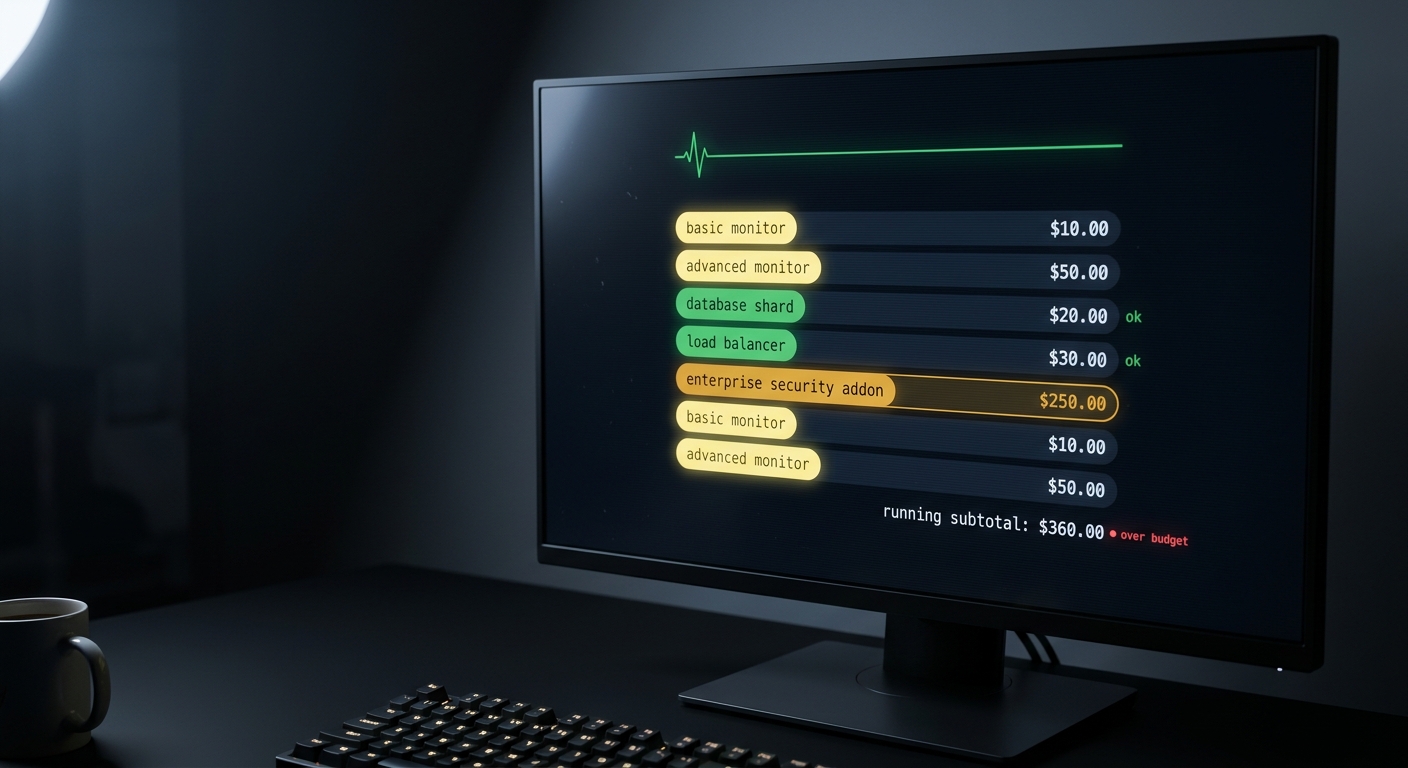
On top of a plan you buy add-on blocks. On the Professional plan, for example, an extra 10 basic monitors is $10/month, an extra 25 advanced monitors is $160/month, and 500 uptime monitors is $140/month. Logs, RUM page views, and SMS credits are metered separately. Hold onto that gap between $10 for basic and $160 for advanced, because it is the whole story.
What is the difference between a basic monitor and an advanced monitor?
This one line decides your bill.
A basic monitor is a simple, cheap check. Site24x7 counts these as basic:
- Website checks: HTTP/HTTPS, DNS, port, ping, REST API, and SSL/TLS certificate.
- A server. One server counts as two basic monitors, and that pair covers the server's processes, syslogs, ports, files, and directories at no extra charge.
- A single cloud resource instance (AWS, Azure, or GCP).
An advanced monitor is a heavier, pricier check:
- Synthetic browser transactions (recorded login flows, checkout steps, Selenium WebDriver scripts).
- Web page-speed (real browser) monitors.
- APM instances for your application.
- Mail delivery and FTP transfer checks.
- Microsoft platform monitoring: SharePoint, Office 365, Active Directory, Exchange, SQL Server, and friends.
The trap is not that advanced monitors exist. It is that the check most people picture when they think "monitor my app end to end," a scripted login that proves the real user path works, is an advanced monitor. A block of 25 of those is a $160/month add-on. A block of 10 basic checks is $10. Two people on the same plan can pay wildly different amounts depending on which column their checks land in, and nothing on the pricing page shouts that at you.
What does Site24x7's free plan include?
The free plan is genuinely free forever, not a disguised trial, but it is small:
- 5 monitors.
- 1-minute checks.
- 3 monitoring locations.
- Email alerts only.
That is enough to watch a couple of URLs and get an email when one falls over. It is not enough to run alerting for anything you care about at 3 a.m., because SMS, voice, push, and Slack all live behind the paid plans. If your plan for a dead service is "hope I happen to see the email," the free tier fits. If you want to actually be woken up, you are on a paid plan.
What will Site24x7 actually cost to monitor a small app?
Sticker prices lie by omission, so price your real setup. Say you run one marketing site, one API behind it, a small server hosting both, and two nightly cron jobs.
- Uptime on the site and the API: 2 basic monitors.
- The server itself: 2 basic monitors (one server, counted as two).
- Two cron/heartbeat checks: Site24x7 supports these, and each one counts as a monitor.
- A synthetic check that logs in and confirms the app really works: 1 advanced monitor.
Stay purely on uptime and the $9 Web Uptime plan carries you comfortably. The moment you want that one honest login check, or server metrics like CPU and memory, you step up to Web Perf ($36) or Infrastructure Professional ($42), and any advanced monitors beyond the handful included come from a $160 block. The jump is rarely a slow slope. It is a cliff you hit the first time you add a "real" check.
None of this makes Site24x7 a bad deal. It makes it a deal you have to model before you commit, which is exactly what the free-then-surprise-bill pattern is designed to skip.
Is Site24x7 worth it?
Depends on how much tool you actually need.
If you need the whole suite, Site24x7 is a lot of capability for the money. Server and infrastructure metrics, APM and tracing, network device monitoring, synthetic browser transactions, real-user monitoring, log management, hosted status pages, firmware and cloud coverage, 130+ global check locations, and phone-and-SMS escalation all live under one login. The $9 entry point with 1-minute checks is honestly generous next to competitors that meter everything, and a forever-free tier for tiny setups is a real thing, not a marketing asterisk.
If all you want is "tell me the instant my app, my API, or a cron job dies," you are paying for a control tower to watch a garden shed. You will spend more time deciding whether each check is basic or advanced than you will ever spend looking at an APM waterfall you did not need. For a solo dev or a small team, that overhead is the actual cost, and it does not show up on the invoice.
What is a simpler, cheaper option for indie devs?
If your world is a web app, the API behind it, and a few scheduled jobs, CanaryHub is built for exactly that shape and priced flat:
- Free: $0. 1 project, 3 monitors, 5-minute checks, Telegram alerts, and an AI daily digest.
- Pro: $8.99/month, or $71/year (about $5.92/month). 3 projects, unlimited monitors, 60-second checks, and instant alerts with no batching.
One price, no basic-versus-advanced ledger, no add-on blocks to forecast. CanaryHub watches your web app and the API behind it (including the API behind an iOS app), runs cron and heartbeat monitoring so a job that silently stops still pages you, and fans alerts out to Telegram, Slack, Discord, and email. Wiring a heartbeat is one line at the end of your cron job:
# If backup.sh stops pinging on schedule, CanaryHub alerts you.
0 3 * * * /usr/local/bin/backup.sh && curl -fsS https://ingest.canaryhub.ai/ping/YOUR_TOKEN
Be clear about the trade. CanaryHub does not do APM or tracing, server and infrastructure metrics, synthetic browser transactions, real-user monitoring, log management, or SSL-certificate expiry tracking. If you need any of those, Site24x7 is the better buy and worth its price. But if you have been staring at Site24x7's monitor math trying to work out what your five checks will really cost, that hesitation is the answer: you want the flat tool, not the platform.