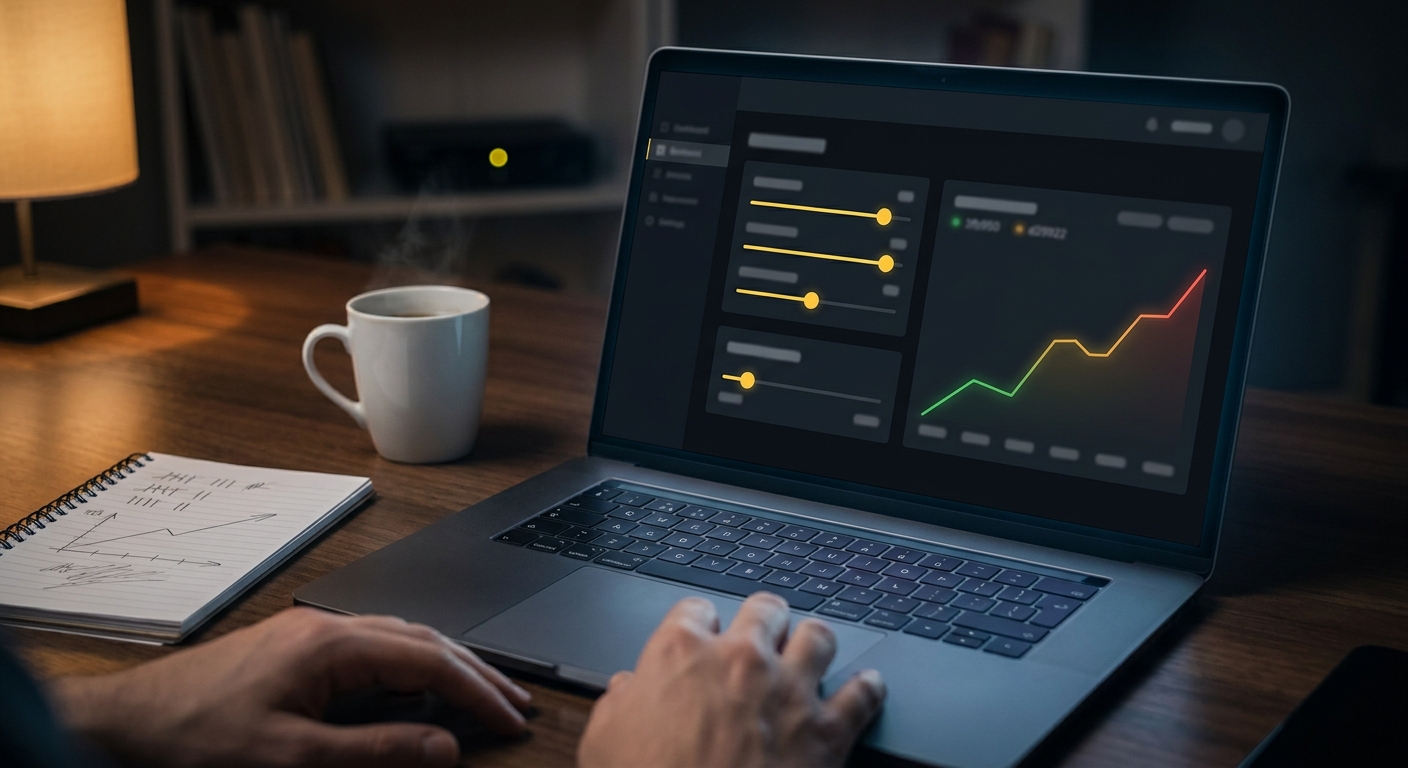
If you search "Pingdom pricing," you want a number. Here's the uncomfortable part: Pingdom's own pricing page won't give you one. Instead of named plans, it shows sliders, one for uptime checks, one for advanced (scripted browser) checks, and a separate one for SMS credits, and every dollar amount on the page is a placeholder until you start dragging them. Load the static page without running the calculator and you get rows of quantities with "$/mo" where the price should be.
How much does Pingdom actually cost?
The sliders run from a 10-uptime-check entry step up to 30,000 uptime checks and 2,500 advanced checks at the top, with SMS credits stepping from 50 up to 1,500 as you scale. Pingdom doesn't print a dollar amount for any of those steps on the public page, but independent pricing trackers that have priced the calculator out put the entry step, 10 uptime checks, 1 advanced check, 50 SMS credits, at around $15/month. That figure has held steady across more than one tracker, which is the closest thing to a confirmed price you'll find without starting the trial yourself.
Real User Monitoring is a separate product with its own slider, priced by monthly pageviews instead of monitor count, with a tracked starting point around the same $15 for 100,000 pageviews. If you need both uptime/synthetic and RUM, you're paying for two separate line items.
Why doesn't Pingdom just show a price?
Probably because the real cost depends on three variables at once: how many things you're checking, how often (frequency affects which tier you need), and how many SMS alerts you expect to send. A flat per-monitor price can't capture that cleanly, so Pingdom pushed the math into an interactive calculator and the actual number into a trial signup. Pingdom is a SolarWinds product now, and this kind of usage-based, talk-to-sales-eventually pricing is common for tools built for businesses rather than individuals. The effect for a searcher is the same either way: "Pingdom pricing" has no honest one-line answer, just a starting point and a direction it scales.
Does Pingdom have a free plan?
No. There's a 30-day free trial that includes both Synthetic and Real User Monitoring, so you're testing the real feature set, not a crippled demo. But once the 30 days end, you're choosing a paid tier or you're not monitoring anything. If a permanent free tier matters to you, that alone is reason to look elsewhere.
What do you actually get for the entry-level price?
At the smallest step, 10 uptime checks, 1 advanced (browser) check, 50 SMS credits, for around $15/month, you get:
- Uptime monitoring with alerts over email, SMS, push notifications, and webhooks (Telegram, Slack, and Discord aren't mentioned as native integrations anywhere on Pingdom's feature pages)
- One scripted browser check for a multi-step flow like a login or checkout
- Public status pages and basic maintenance windows
- Unlimited users on the account
What you don't get at that tier, or any tier: cron job or heartbeat monitoring. Pingdom's product pages describe uptime, synthetic, and RUM checks, nothing about pinging a URL when a scheduled job finishes, so a dead man's switch for your cron jobs isn't on the menu here at all.
How fast does the bill scale?
Quickly, once you're past personal-project scale. The same calculator steps monitor counts up by the hundreds and thousands: 100 uptime checks with 20 advanced checks sits a few steps up from the entry tier, 1,000 uptime checks further still, and the top step on the public calculator is 30,000 uptime checks with 2,500 advanced checks. Pingdom doesn't publish the dollar amount at that end either, but the jump from "watch a few apps" to "watch a fleet" is built on quantity, not a flat seat price, so the bill tracks your monitor count the whole way up.
Is there a cheaper Pingdom alternative?
If you need scripted multi-step transactions or real visitor performance data broken down by region and device, Pingdom earns its price and there isn't a cheap substitute for those two features specifically.
If you don't, and most solo devs and small teams watching a handful of apps or APIs don't, you're paying for a calculator you can't read and features you won't use. CanaryHub skips the slider entirely: $8.99/month ($5.92/month billed yearly) for unlimited monitors at 60-second checks, including cron/heartbeat monitoring for scheduled jobs and Telegram-first alerts, with a free tier for one project if you want to try it before paying anything. You lose Pingdom's synthetic and RUM capabilities, but if those were never on your list, that's not much of a loss.
For more on switching, see the full Pingdom alternative comparison or, if you're also weighing UptimeRobot, the UptimeRobot vs Pingdom breakdown.