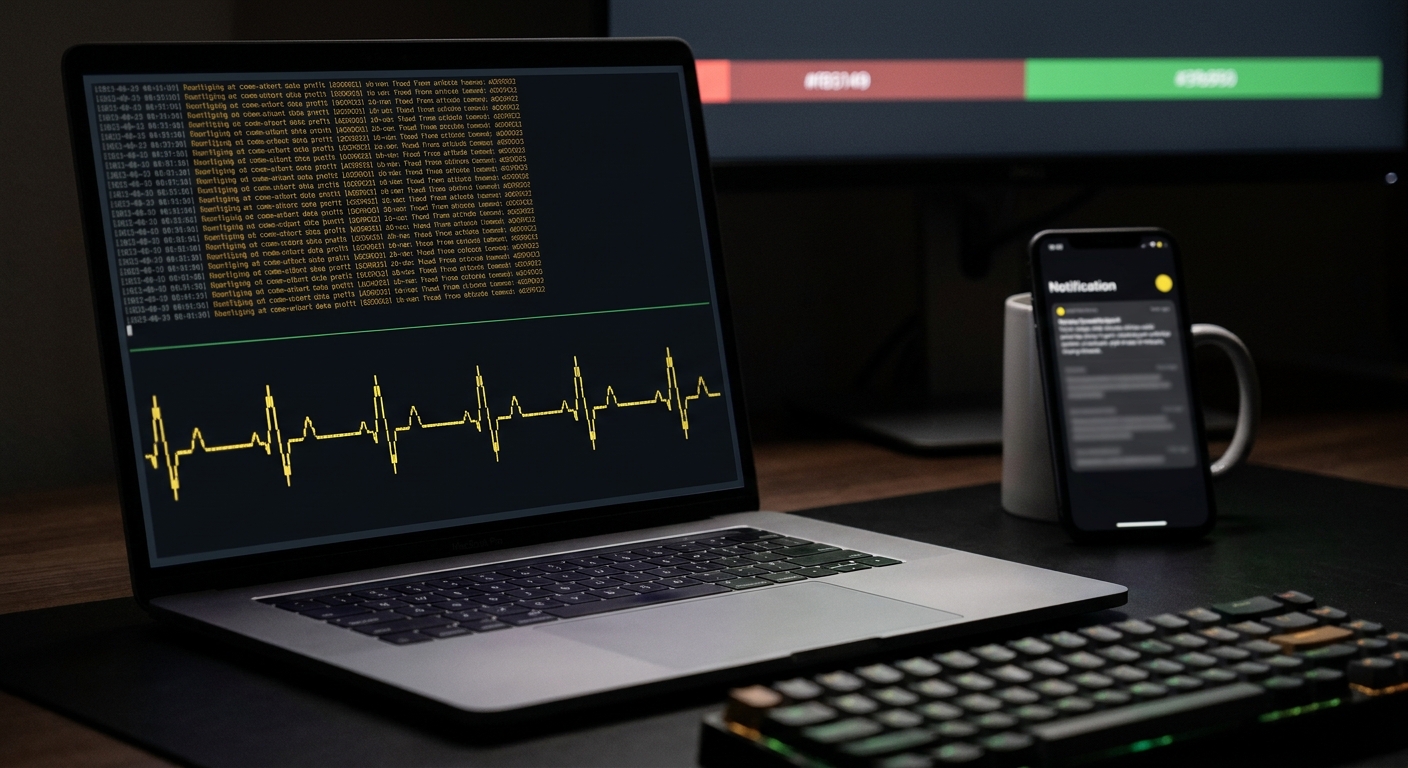
Three patterns cover almost every Node.js cron job: the OS crontab calling a script directly, the node-cron package scheduling work inside your own process, or a platform scheduler like a Fly Machine, a Kubernetes CronJob, or a GitHub Actions scheduled workflow running the job in its own container. Pick based on where the job needs to live, not habit. All three share the same blind spot: they can tell you a job ran, or that it threw, but not when it stopped running altogether. That third case is the one that costs people the most sleep, and it's the one none of the current node-cron guides online actually close.
What's the right way to schedule a cron job in Node.js?
Use the OS crontab when the job is a short, self-contained script and a host is already running around the clock. Point a crontab line at the script and let the OS own the schedule entirely:
# /etc/cron.d/nightly-report
0 3 * * * deploy /usr/bin/node /home/deploy/app/nightly-report.js >> /var/log/nightly-report.log 2>&1
The failure surface here is small: the script either exits 0 or it doesn't, and there's no scheduler state living inside your app to drift out of sync.
Use node-cron when the schedule should live in your application code, next to the logic it triggers, or the job needs to share a database connection or in-memory cache with a process you're already running:
import cron from 'node-cron';

cron.schedule('0 3 * * *', async () => {
  await runNightlyReport();
}, {
  name: 'nightly-report',
  noOverlap: true,
});
node-cron v4 is worth knowing in detail, because its current API covers two production problems that older guides for the package don't mention at all. noOverlap: true skips a run instead of stacking it if the previous run is still going when the next tick fires, which matters for any job whose duration can vary. And a distributed option exists specifically for the next section's problem. Both ship with zero dependencies; neither requires a database just to turn on.
Use a platform scheduler (a Fly Machine run on a schedule, a Kubernetes CronJob, a GitHub Actions scheduled workflow) when the job should run in its own isolated container, independent of any long-running service's lifecycle, and you want the platform, not your app, to own retries and concurrency.
What happens if I scale my Node.js app to multiple instances?
This is the gotcha that catches almost everyone moving a node-cron schedule from a single server to a horizontally scaled deployment, and it's the exact thing the current top-ranking node-cron guides skip or only half-solve. A cron.schedule() call made inside your app's startup code runs on every instance that boots that code. Scale a web service to three Fly Machines or three Heroku dynos and a job scheduled for 3am fires three times at 3am, not once. Each instance has no idea the other two exist; this is true of any in-process scheduler, not something specific to node-cron.
Heroku's own documentation states the general version of this plainly: "Never scale singleton process types, such as a clock/scheduler process type beyond a single dyno. These process types don't benefit from additional concurrency and can create duplicate records or events." Fly.io's scaling docs describe creating or destroying Machines to reach a target count, and say nothing about deduplicating in-process logic across them, because that's an application concern, not a platform one.
Four ways to fix it, in order of how much they cost you:
- Run the scheduler in exactly one place. Split the cron-running code into its own single-instance deployment, separate from your horizontally scaled web service. Simplest, and the right default for most teams.
- Use
node-cron'sdistributedoption. Setdistributed: trueplus aname, and designate exactly one running instance via theNODE_CRON_RUNenvironment variable (NODE_CRON_RUN=trueon the runner,falseeverywhere else). If that variable is unset or isn't exactly'true'/'false',node-cronthrows at schedule time on startup, not silently at 3am. For true high availability across any instance, node-cron supports plugging in a Redis-backed coordinator instead of the static env var. - Use a platform
CronJob. A KubernetesCronJobor a scheduled Fly Machine launches exactly one instance per scheduled run, regardless of how many replicas your main service has. The scheduling concern moves out of your app entirely. - Add your own distributed lock inside the job body (a Redis
SET key value NX EX seconds, or a short-lived Postgres advisory lock) if you need the scheduler embedded in every replica for some other reason.
Whichever you pick, read node-cron's own caveat on the distributed option carefully: it is explicitly not a hard exactly-once guarantee. Under a crash-and-retry, or real clock skew between instances, a scheduled fire can still run more than once, and the docs say to treat distributed tasks as idempotent (safe to run twice) rather than trusting the lock alone. It also does nothing if the instance holding the lock is the one that's down; nothing else is watching to notice the schedule went quiet.
Why does a Node.js cron job fail without any error?
A request handler that throws shows up in your error tracker. A cron job that stops running often doesn't, because the failure modes that matter here produce no execution at all rather than a failed one:
- The host or container never came back. A redeploy, an OOM kill, a crash loop: in every case, the process that would have called
cron.schedule()never started, so there's nothing to log an error about. - The one instance holding the distributed-run lock crashed. If you're using
node-cron'sdistributedoption (or your own Redis/Postgres lock) and that specific instance goes down, the job just doesn't fire until something restarts it. No other instance picks it up by design. - State meant to track the last run doesn't survive a redeploy. A common fallback pattern writes the last-run timestamp to a local file to guard against duplicate runs. On Fly.io, Render, or Heroku, the filesystem under a redeploy is not guaranteed to persist, so that guard (and whatever it was protecting) resets silently on every new release, with no error anywhere.
- The deploy broke the schedule itself. A bad release can drop the
cron.schedule()call from the startup path entirely, or ship an invalid cron expression that fails validation and gets logged to stdout, where nobody's tailing it.
Every one of these looks identical from the outside: nothing happened, and nothing complained. Error trackers, log alerts, and uptime checks on an HTTP endpoint all watch for a bad signal. None of them fires when the signal that should exist simply isn't there.
How do I find out if my Node.js cron job stopped running?
Add a heartbeat: a ping sent after the job's real work succeeds, to a monitor that expects to hear from you on a schedule and alerts the moment it doesn't. It's a different mechanism on purpose: it watches for absence, not failure, which is the only thing that catches a job that never ran at all.
import cron from 'node-cron';

cron.schedule('0 3 * * *', async () => {
  try {
    await runNightlyReport();
  } catch (err) {
    console.error('nightly report failed', err);
    return; // don't ping on failure, let the silence be the signal here too
  }

  try {
    await fetch('https://ingest.canaryhub.ai/ping/YOUR_TOKEN', { method: 'POST' });
  } catch {
    console.warn('heartbeat ping failed');
  }
}, {
  name: 'nightly-report',
  noOverlap: true,
});
The whole integration is that one fetch call at the true end of the task, guarded so a thrown error skips it. CanaryHub's heartbeat monitors work on the same GET|POST https://ingest.canaryhub.ai/ping/<token> endpoint no matter what's calling it, whether that's a crontab script, a node-cron task, or a Kubernetes CronJob; the token in the URL is the auth, so there's nothing else to configure. Set the monitor's expected interval to match the job's schedule plus a grace period, and it goes from quiet to alerting the first time a ping is late, without waiting for a second missed run.
This pairs with, rather than replaces, the error handling above and whatever distributed or lock-based fix you picked for the multi-instance problem. Those handle why a run failed or whether it ran twice. A heartbeat handles the case neither one can see: the run that never happened at all.
A working baseline
Putting the pieces together: a node-cron task with noOverlap on, scheduled through either a single dedicated instance or distributed: true if the job lives inside a horizontally scaled service, pinging a heartbeat monitor only after the job's real work succeeds. That combination catches the three failure classes that matter for a scheduled job in Node.js: the job errors, the job runs more than once because of a scaling or lock-timing edge case, and the job stops running without a trace. All with a handful of lines of code beyond the job logic itself.