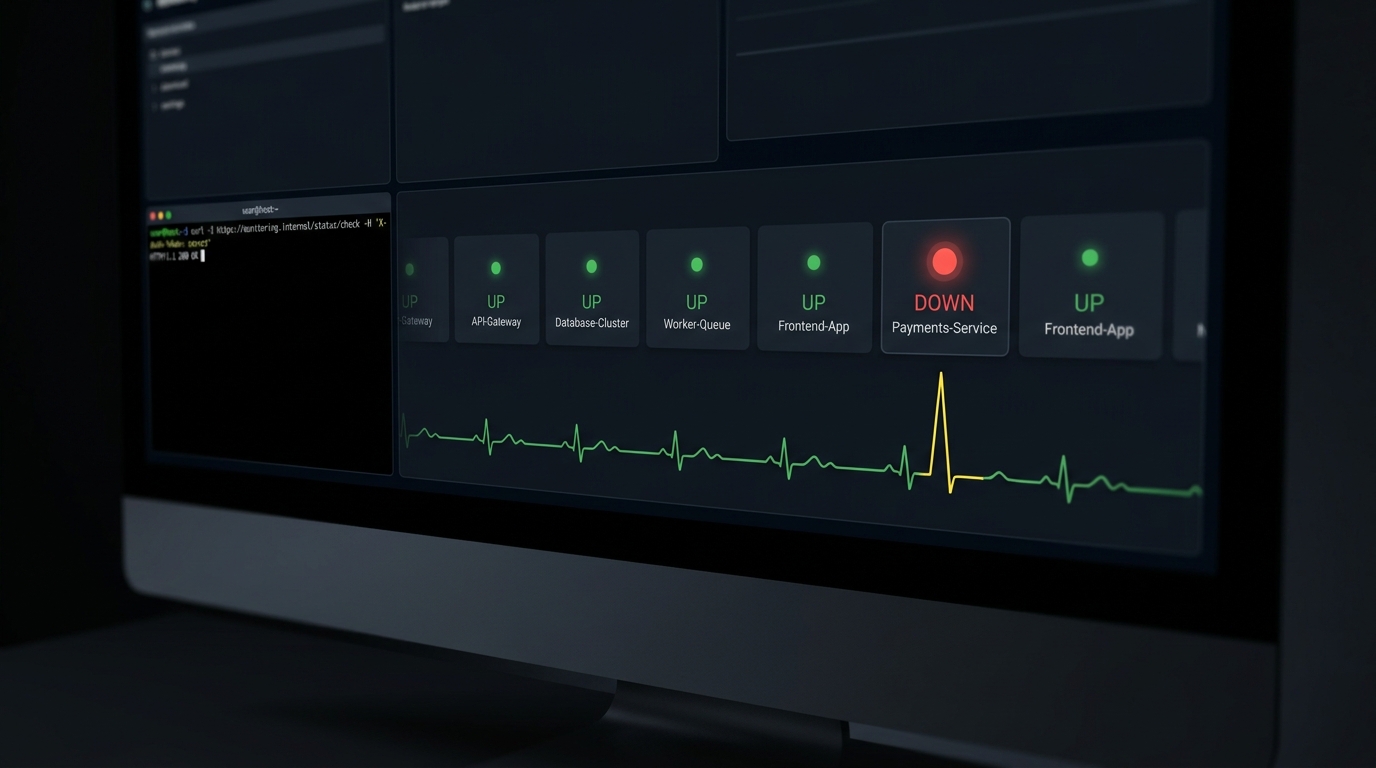
Healthchecks.io is a genuinely good tool. It does one thing, cron and heartbeat monitoring, and it does it cleanly, it's open-source under a BSD license, and you can self-host it for free. Most people searching for a "healthchecks.io alternative" don't actually dislike it. They've hit the edge of what it's for: they want uptime checks on their web app too, or richer alerting, or a hosted plan that doesn't meter SMS credits, or a dashboard that also shows latency.
So the honest answer isn't a single winner. It's a decision. Below are the alternatives that matter for a solo dev or small team, what each is actually good at, verified pricing as of July 2026, and the cases where you should just stay put.
Why look for a healthchecks.io alternative at all?
Healthchecks.io is deliberately narrow. That focus is a feature, and also the reason people outgrow it. The common triggers:
- You want uptime monitoring too. Healthchecks.io watches for missing pings from jobs you control. It does not poll your public URL every minute to tell you the site is down. If you want both in one place, you need a tool that does uptime checks as well as heartbeats.
- You want alerts somewhere other than email. Healthchecks.io supports plenty of integrations, but on some plans the phone-native channels (SMS, WhatsApp, calls) come as metered credits rather than an unlimited channel.
- You want status pages or on-call. Healthchecks.io doesn't do public status pages or on-call rotation. Better Stack and Hyperping do.
- The hosted price-per-check math stops working at your scale, or the free self-host is more operational overhead than you want.
None of these mean Healthchecks.io is bad. They mean your needs moved. Here's where they moved to.
The short answer: pick by your actual constraint
Here's the quick-reference version, one line per tool. The sections below explain the tradeoffs these summaries can't.
- Healthchecks.io is the focused cron/heartbeat specialist. Free for 20 checks, $5/mo hosted, open-source and self-hostable, alerts to Telegram and many other channels.
- Cronitor goes deepest on cron analytics. Free for 5 monitors, then $2 per monitor per month. Hosted only, no on-call.
- UptimeRobot is uptime-first with a large free tier (50 monitors at 5-minute checks). Heartbeat monitoring is available on paid plans from $9/mo. Hosted only.
- Better Stack bundles uptime, heartbeats, logs, on-call, and status pages. Free for 10 monitors and 10 heartbeats, then modular pricing from $25/mo per 50 monitors. Hosted only.
- Uptime Kuma is a free, open-source, self-hosted dashboard with broad check types. No recurring cost, but you run and maintain it.
- CanaryHub does cron and uptime together with Telegram as the default alert channel. Free for 3 monitors, $71/yr for Pro. Hosted only today.
Cronitor: when cron is the whole point
Cronitor is the closest philosophical sibling to Healthchecks.io, aimed squarely at scheduled jobs. It imports your crontab automatically, tracks job duration and exit codes, and flags timing anomalies (a job that usually runs in 30 seconds suddenly taking 5 minutes). If your pain is specifically "I need to understand my cron jobs better," this is the upgrade.
The catch is pricing at scale. Cronitor's free Hacker tier covers 5 monitors. Above that it's pay-as-you-go at $2 per monitor per month plus $5 per additional user, and Enterprise starts at $6000/year. Per-monitor pricing is fine for 10 jobs and gets expensive fast at 100. Cronitor doesn't do on-call scheduling, and like Healthchecks.io it's cron-first, not uptime-first.
Pick Cronitor if you live in crontab and want real timing analytics. Skip it if you have a lot of monitors and want a flat price.
UptimeRobot: uptime-first with a generous free tier
UptimeRobot comes at it from the other direction. It's a website and API uptime monitor first, with heartbeat/cron checks available on paid plans. Its free tier is the most generous here for pure uptime: 50 monitors at a 5-minute interval, with status pages included. Paid plans (Solo at $9/mo, Team at $33/mo, Enterprise at $69/mo) drop the interval and add features.
The tradeoff is that heartbeat monitoring is the secondary act, not the specialty. The diagnostics around a missed cron ping are thinner than what Cronitor or Healthchecks.io give you. But if most of what you need is "tell me when my site is down" with cron checks as a bonus, the free tier alone covers a lot of indie projects.
Pick UptimeRobot if uptime is your main need and cron is secondary. Skip it if you want deep cron diagnostics.
Better Stack: uptime, logs, and on-call in one
Better Stack (formerly Better Uptime) is the heavyweight of this list. It bundles uptime monitoring, heartbeats, log management, incident response, on-call scheduling, and status pages. The free tier includes 10 monitors and 10 heartbeats with one status page. Scaling is modular: an additional 50 monitors runs $25/mo ($21 on annual billing), and an additional 10 heartbeats is $20/mo ($17 annual), with on-call and status pages priced separately.
That modularity is the double edge. You can build exactly the setup you want, and you can also end up with a bill that's hard to predict as you add responders, status pages, and monitor blocks. For a growing team that wants one tool for the whole incident lifecycle, it's a strong pick. For a solo dev who just wants cron alerts, it's more product than you need.
Pick Better Stack if you want the full incident stack and on-call. Skip it if you want something small and cheap.
Uptime Kuma: free, self-hosted, and yours to run
Uptime Kuma is the self-hosted favorite for a reason. It's free and open-source, has a polished dashboard, and supports a wider set of check types than Healthchecks.io: HTTP(S), TCP, ping, DNS, and push (heartbeat) checks, plus built-in status pages. If you already run a homelab or a small VPS, it's hard to argue with free.
The honest caveat is the one every self-hosted monitor has: you're now running the thing that watches your other things. If the box hosting Uptime Kuma goes down at the same time as your app, you get no alert, because the monitor is down too. That's why some people run a hosted heartbeat as a dead man's switch on their self-hosted monitor. Self-hosting trades a subscription for operational responsibility.
Pick Uptime Kuma if you're comfortable self-hosting and want zero recurring cost. Skip it if you don't want to be on call for your monitoring stack.
CanaryHub: cron plus uptime, Telegram-first, solo-priced
Full disclosure, this is our tool, so here's the honest version. CanaryHub is built for the exact reader searching this: a solo dev or small team who wants both uptime checks and cron/heartbeat monitoring in one place, with alerts that land on Telegram (or Slack, Discord, email) instead of a dashboard you have to remember to open. The tagline is "your app texts you before your users do," and Telegram is the default channel, not a webhook you configure.
The free plan is $0 forever: 1 project, 3 monitors, 5-minute checks, Telegram alerts. Pro is $71/year (about $5.92/mo billed annually) for 3 projects, unlimited monitors, 60-second checks, and instant alerts. Business is $24.99/mo for unlimited projects, 30-second checks, and additional channels. SMS alerting is on the roadmap rather than shipped today, so if SMS is a hard requirement right now, Healthchecks.io's metered SMS credits or Better Stack are the safer bet.
Where CanaryHub wins for this audience is the combination: heartbeats and uptime together, a genuinely free tier, a flat low price instead of per-monitor billing, and phone-native alerting by default. Where it doesn't win: you can't self-host it yet, and it's younger than the tools above.
Pick CanaryHub if you want cron and uptime in one tool with instant Telegram alerts on a solo budget. Skip it if you need to self-host today or SMS is non-negotiable.
When should you just stay on Healthchecks.io?
Plenty of the time. Stay if:
- Cron and heartbeat monitoring is all you need. That's what it's built for, and it's excellent at it.
- You want to self-host. BSD license, Docker image, no per-check cost. For a homelab or a privacy-sensitive setup, it's one of the best choices, full stop.
- You run an open-source project or nonprofit. Healthchecks.io gives its Business plan (100 checks) free to those, which is a genuinely good deal.
- You're price-sensitive and hosted. The Supporter tier is $5/mo and the Business tier is $20/mo for 100 checks. That's cheap for reliable cron monitoring.
Switching for the sake of switching is wasted effort. Switch because you need uptime checks, a different alert channel, status pages, or a pricing model that fits you better. Otherwise, Healthchecks.io earned its spot.
How do I actually migrate?
The good news: for cron and heartbeat monitoring, almost every tool here uses the identical integration. You append one curl call to the end of your job that pings a unique URL on success. Migrating means swapping the URL, not rewriting anything.
#!/usr/bin/env bash
set -euo pipefail

/usr/local/bin/backup.sh

# Only runs if the line above succeeded. Swap this URL to change tools.
curl -fsS -m 10 --retry 3 "https://your-monitor.example/ping/YOUR_MONITOR_ID" > /dev/null
Because the ping sits after your real work and is guarded by set -e, a failure earlier in the script means the ping never fires, and the monitor alerts you on the silence. That pattern is the same whether the URL points at Healthchecks.io, Cronitor, UptimeRobot, Better Stack, Uptime Kuma, or CanaryHub. In practice, migrating is a find-and-replace across your crontab, your CI files, and any deploy scripts, plus recreating the monitors in the new tool.
Uptime checks are even simpler: you give the new tool your public URL and pick an interval. Nothing changes in your app.
The one-line takeaway
If Healthchecks.io does everything you need, keep it. If you've outgrown it, match the tool to the reason you outgrew it: Cronitor for cron depth, UptimeRobot for uptime-first simplicity, Better Stack for the full incident stack, Uptime Kuma for free self-hosting, and CanaryHub for cron plus uptime with Telegram alerts on a solo budget. If you're not sure which pain you have yet, start on a free tier and let the first real incident tell you what you actually needed.
If instant Telegram alerts on your cron jobs and your uptime, in one place, sounds like the thing you've been missing, CanaryHub's free plan is a five-minute way to find out.