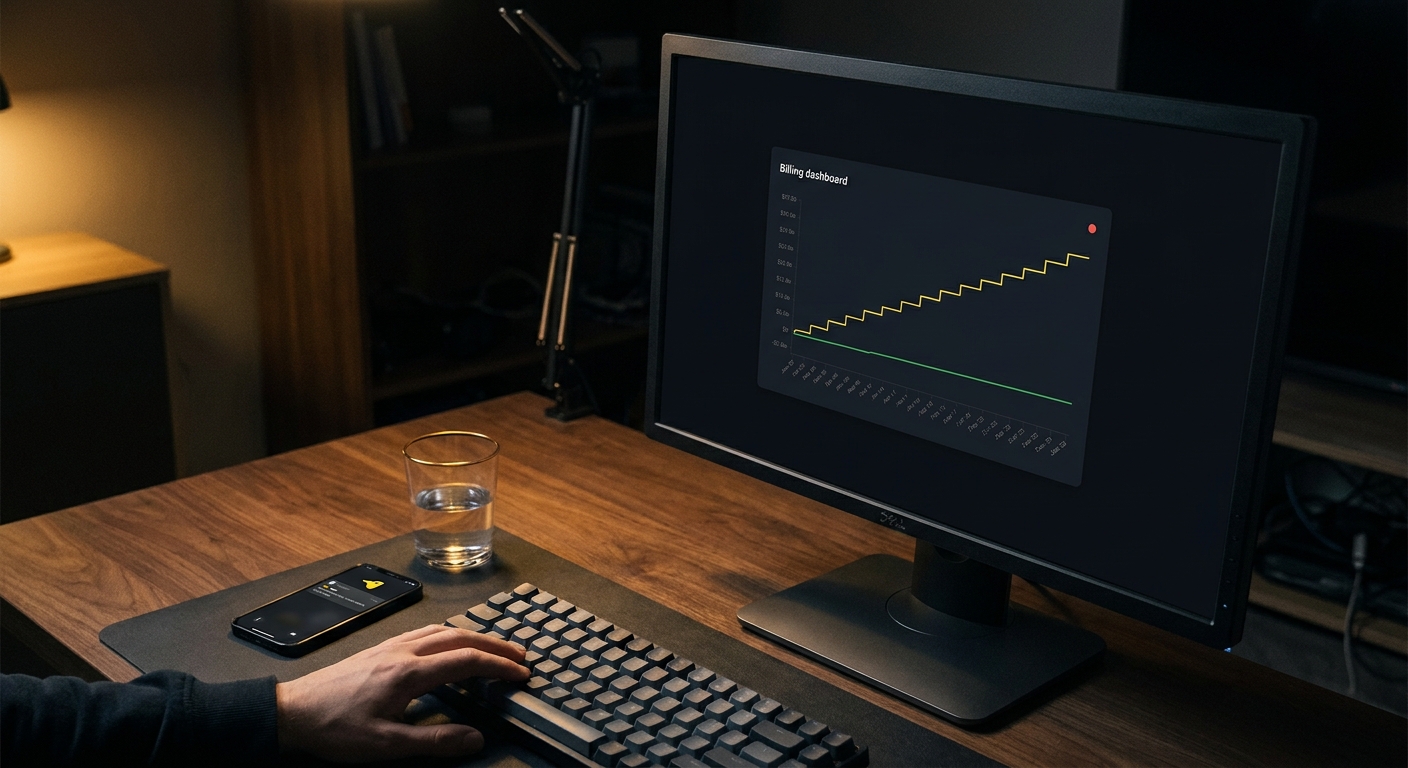
Cronitor has three price points: a free Hacker plan for 5 monitors, a pay-as-you-go Business plan at $2 per monitor per month plus $5 per extra user, and an Enterprise plan that starts at $6,000 a year. The free plan runs 5-minute checks; Business drops that to 30 seconds and turns on every alert channel; Enterprise goes to 5-second checks with custom terms. The model to understand is the middle one, because the meter is where the bill lives. You pay for each monitor you add, so the cost scales with how much you watch.
That is the whole pricing story in a paragraph. The rest of this page is the part the pricing table does not tell you: what the per-monitor meter adds up to for a real indie stack, what you actually give up on the free tier, and the honest cases where Cronitor's meter is worth it versus where a flat rate is the calmer bill.
How much does Cronitor cost?
Three tiers, verified against Cronitor's pricing page:
- Hacker (free): $0. Includes 5 monitors, 5-minute checks, 1 team seat, 1 basic status page (up to 50 subscribers), and alerts over email, Slack, Telegram, Discord, and Teams. No SMS, no synthetic browser checks, no private or branded status pages.
- Business (pay-as-you-go): $2 per monitor per month, plus $5 per month for each user after the first. Unlimited monitors, 30-second checks, and all alert channels including SMS, PagerDuty, OpsGenie, and webhooks. 12-month data retention. SAML SSO is an extra $5 per user per month.
- Enterprise: from $6,000 per year, with 5-second checks, invoice billing, and custom integrations and support.
Add-ons sit on top of Business: branded status pages are $25 a month, private status pages are $50 a month, and synthetic browser checks are sold in blocks (1,000 checks for $1 a month).
What does Cronitor's $2 per monitor actually add up to?
This is the number the pricing page makes you compute yourself. On Business, every monitored thing is a line item. A cron job with a dead-man's-switch heartbeat is one monitor. An uptime check on your API is one monitor. A check on your marketing site is one more.
Picture a normal solo stack: a nightly backup, an hourly sync, a queue worker heartbeat, a certificate-renewal job, plus uptime checks on your API, your app, your marketing site, and the API behind your iOS app. That is roughly 8 monitors before you have done anything ambitious, which is about $16 a month. Add a few more jobs as the product grows and you are at 15 monitors, near $30 a month. Want a branded status page too? That is another $25.
None of this is a gotcha. Pay-as-you-go is honest, and for a small number of monitors it is genuinely cheap. The point is only that the meter moves. If you tend to add monitors freely (and cron-heavy apps do), budget for the number to climb rather than sit still.
What do you get on Cronitor's free plan?
The Hacker plan is real, not a crippled trial. Five monitors covers a first project comfortably: two or three cron heartbeats and a couple of uptime checks. You get Telegram, Slack, Discord, email, and Teams alerts, and one basic status page.
The two ceilings that push people off it are the monitor count and the check interval. Five monitors fills up faster than you expect once you start adding every scheduled job, and 5-minute checks mean an outage can run up to five minutes before Cronitor notices. The moment either one bites, you are on Business and metered.
When is Cronitor worth paying for?
Plenty of the time, and it is worth being clear about it. Cronitor earns the meter when you need something a cheap flat plan does not have:
- 5-second checks. The Enterprise tier polls every 5 seconds. If you sell an SLA that makes the difference between a 30-second and a 5-second detection window matter, that is a real reason to pay up.
- Synthetic browser checks. Scripted flows that log in and click through a checkout are a different product from a simple HTTP uptime check. If you need them, Cronitor sells them and a bare uptime tool does not.
- Enterprise integrations and SSO. PagerDuty, OpsGenie, Splunk, SAML SSO, invoice billing, and 12-month retention are there when a company needs them.
- Per-monitor granularity at scale. If you run a large fleet and want to pay only for exactly what you watch, a per-monitor meter can beat a flat plan that bundles more than you use.
If you are in one of those situations, Cronitor is a strong tool and the price is fair. Do not switch away from something that fits.
When is a flat price the better deal?
The flip side is the common indie case: a pile of cron jobs, a few uptime checks, and a want for the bill to stop moving. Here a flat rate is the calmer choice, and it is worth being honest about why.
CanaryHub is what we build, so treat this as the biased-but-accurate part. The Pro plan is $8.99 a month (or $71 a year, which works out to $5.92 a month) for 3 projects and unlimited monitors at 60-second checks. Unlimited is the operative word: adding your tenth or twentieth cron heartbeat does not change the invoice. The free plan covers 1 project and 3 monitors at 5-minute checks with a daily AI digest.
Two honest caveats, because trust is the only thing worth keeping with other devs:
- Telegram and heartbeats are not ours alone. Cronitor has both, including on its free plan. If someone tells you a flat-rate tool is the only way to get Telegram alerts or cron heartbeats, they are wrong. CanaryHub's actual edge is the flat, predictable price and one-click setup, not the feature checklist.
- Cronitor does more. Synthetic browser checks, 5-second polling, and enterprise integrations are things CanaryHub does not do. If you need them, the comparison is not close and you should pay Cronitor.
For the plain job of watching that your cron jobs ran and your endpoints are up, the heartbeat integration is one line at the end of a script:
#!/usr/bin/env bash
set -euo pipefail

/usr/local/bin/nightly-backup.sh

# Only runs if the backup above succeeded. Silence past the interval alerts you.
curl -fsS -m 10 --retry 3 "https://ingest.canaryhub.ai/ping/YOUR_TOKEN" > /dev/null
That pattern is identical in spirit to Cronitor's own ping. The tooling is not the differentiator. The billing model is.
So which one should you pick?
Count your monitors and be honest about your needs. If you are under five monitors and fine with 5-minute checks, Cronitor's free plan costs nothing and is a good place to start. If you need synthetic checks, 5-second detection, or enterprise integrations, pay Cronitor's meter, it is worth it. If you are an indie dev with a growing list of cron jobs and uptime checks and you want a bill that does not creep, a flat unlimited plan is the quieter option.
If you want to see how the flat side works, the dead man's switch guide walks through the one-line heartbeat that catches a cron job the moment it stops running, no matter which tool you point it at.